LinkedIn Automation Limits: What Is Safe and What Can Get Your Account Restricted?
Posted On: September 29, 2026
Last updated: September 2026
Written by Clara Miller, Content Specialist at AI Workforce · Reviewed by Rodi Taze, Co-Founder of AI Workforce
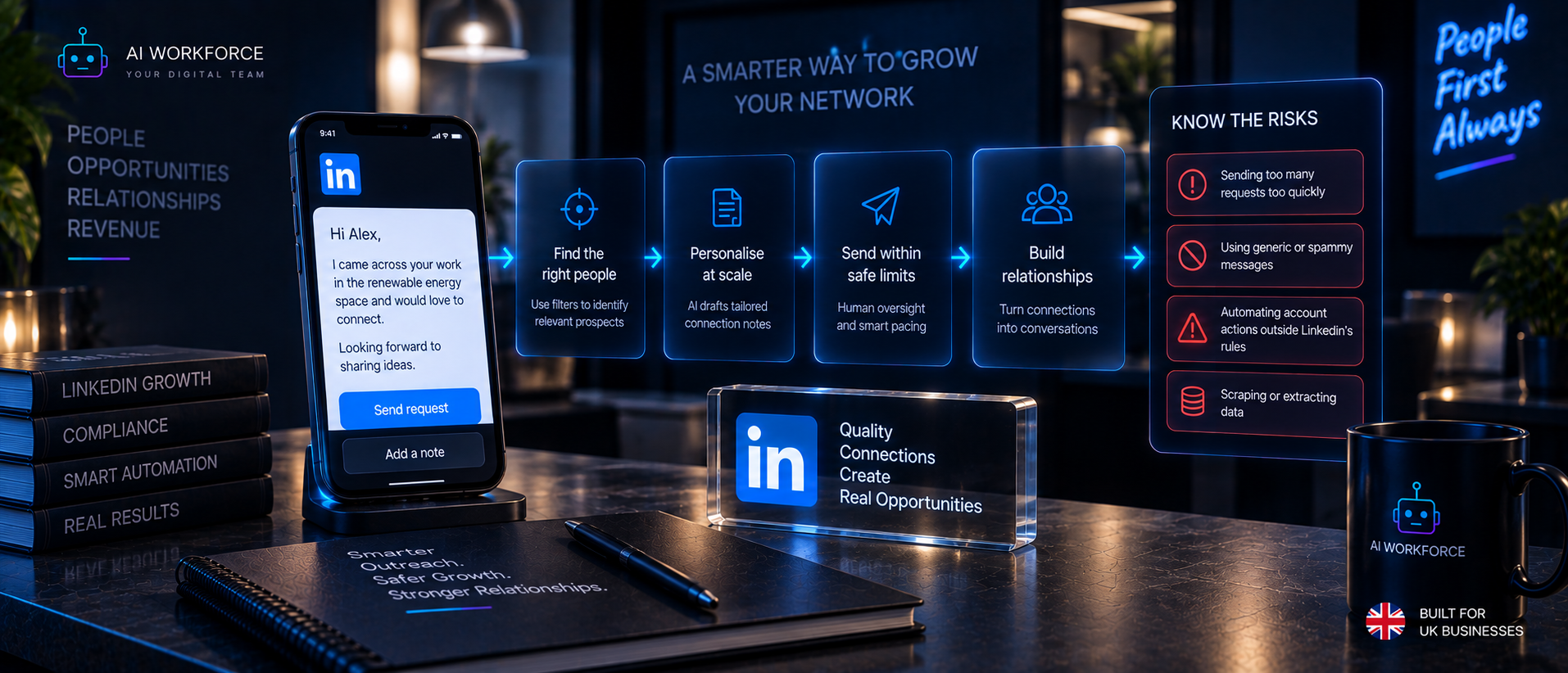
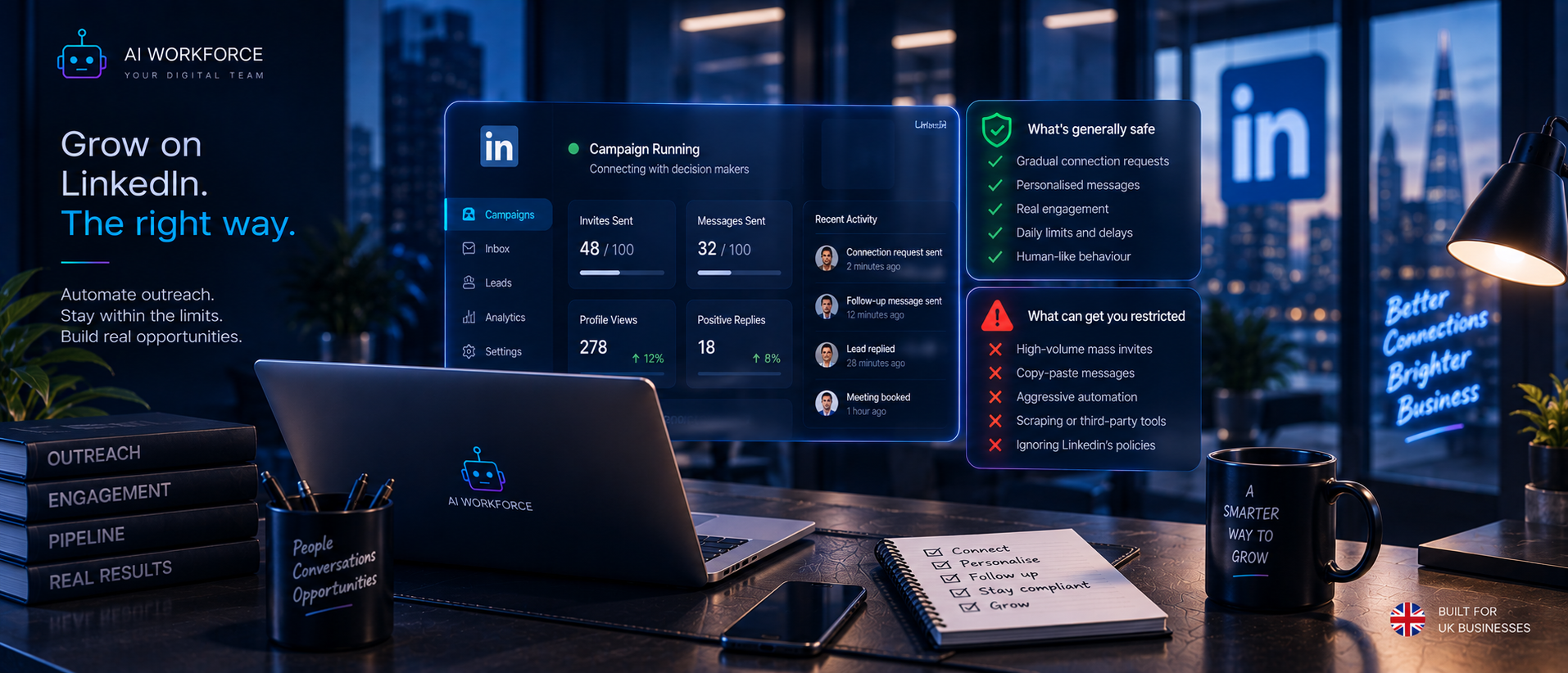
Quick answer: "LinkedIn automation" is not one thing. It covers AI helping a person write a message, a person clicking send themselves, an approved integration acting through permissions LinkedIn has actually granted, and third-party software directly controlling an account to send connection requests, messages, or scrape data. LinkedIn's own User Agreement and Help Centre prohibit third-party tools that scrape, modify the appearance of, or automate activity on its platform, and accounts found doing this risk being restricted. LinkedIn does not publish a fixed daily limit on connection requests or messages, so any number quoted online as an official cap should be treated as a third-party estimate, not a LinkedIn rule. The practical question for a UK business is not "is automation safe" in the abstract, but which of the behaviours below you are actually doing, and who or what is performing the final action on the account.
What Is LinkedIn Automation?
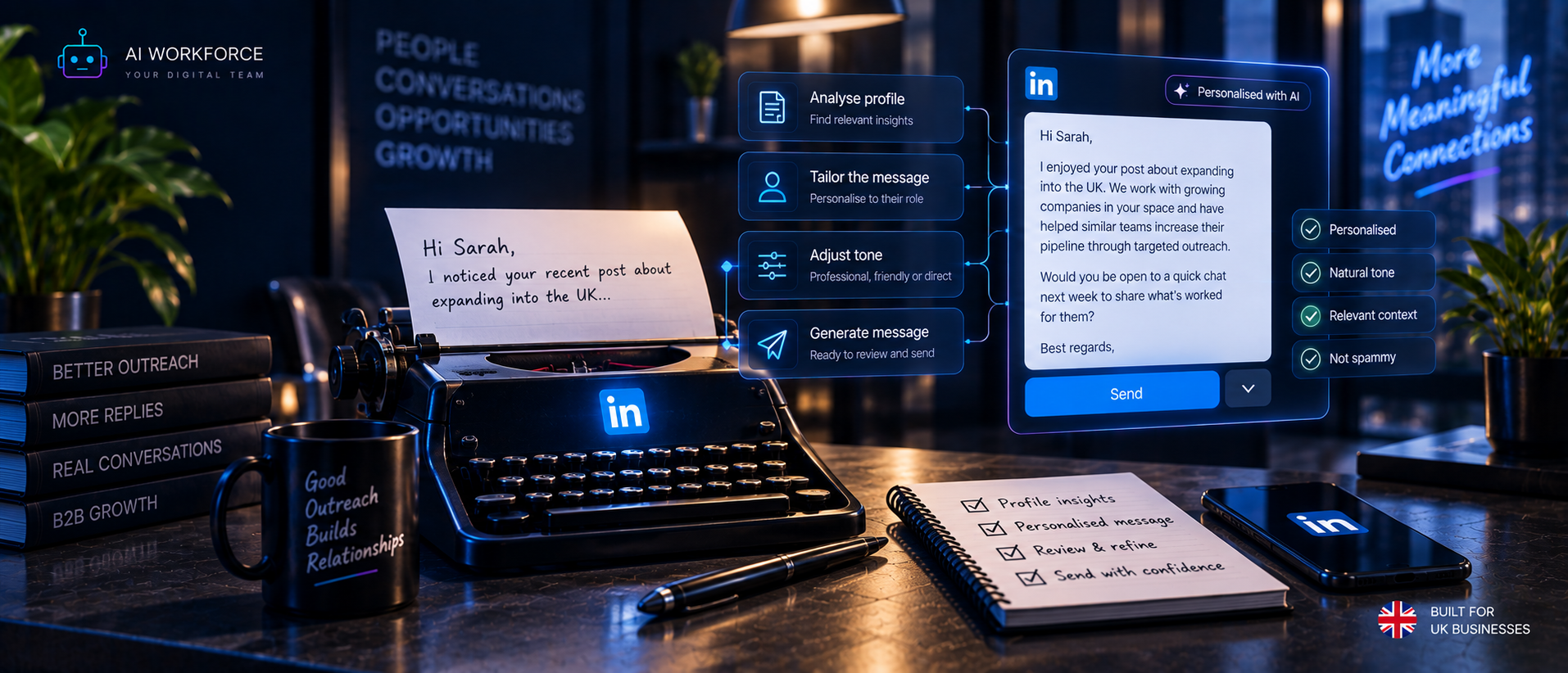
"LinkedIn automation" gets used loosely to describe two very different things. The first is AI assisting a person: researching a prospect, drafting a message, suggesting who to prioritise, or summarising a reply, while a human still opens LinkedIn and performs the action themselves. The second is software taking the action directly on the account: sending the connection request, sending the message, visiting the profile, or extracting the data, without a person clicking anything on LinkedIn at that moment.
This distinction matters because LinkedIn's rules are written around the second category, not the first. Using AI to help a person think and write is not, on its own, the kind of activity LinkedIn's Prohibited Software and Extensions policy addresses. Software that logs into an account and performs actions on LinkedIn's website on a person's behalf is.
Is LinkedIn Automation Allowed?
There is no simple yes or no answer, and any guide that gives you one is oversimplifying. LinkedIn's Prohibited Software and Extensions page states plainly: "we don't permit the use of any third party software, including 'crawlers', bots, browser plug-ins, or browser extensions that scrape, modify the appearance of, or automate activity on LinkedIn's website." It ties this directly to Section 8.2 of the LinkedIn User Agreement, which separately prohibits members from using "bots or other unauthorized automated methods to access the Services, add or download contacts, send or redirect messages, create, comment on, like, share, or re-share posts, or otherwise drive inauthentic engagement," and from developing or using "software, devices, scripts, robots or any other means or processes... to scrape or copy the Services."
That is a clear prohibition on third-party tools performing account actions without LinkedIn's authorisation. It is not a prohibition on using AI to help a person do their own work faster, and it is not a blanket statement that every kind of automation is banned everywhere on the platform. LinkedIn separately runs a formal Developer Program with its own API Terms of Use, through which specific, approved integrations can interact with LinkedIn's systems within permissions LinkedIn grants. The rules therefore split cleanly along one line: activity performed through an interface and permission LinkedIn has actually authorised sits differently to activity performed by unauthorised third-party software acting on an account it does not control.
The AI Workforce LinkedIn Automation Risk Ladder
This is an AI Workforce implementation framework built to help a business reason about where its own workflow sits, not an official LinkedIn classification or a legal opinion.
Level 1, AI Assistance. AI researches a prospect, drafts a message or recommends who to prioritise. A person reads the output, decides whether to use it, and performs the LinkedIn action themselves by logging in and clicking send. Automated account-access dependency: none, because no software is performing the LinkedIn action. Account/policy consideration: the AI-assisted preparation itself does not perform an automated LinkedIn account action; the person's eventual activity still needs to comply with LinkedIn's normal policies. Human control: full, by construction.
Level 2, Human-Approved Workflow. AI prepares the next action, a draft message, a suggested connection request, a reply classification, and queues it for a person to review before anything happens on LinkedIn. The person still initiates the actual LinkedIn action, but the preparation work is faster and more consistent. Platform dependency: low. Human control: high, provided review is genuine rather than a rubber stamp.
Level 3, Approved Integration or API. Actions occur through an interface and permission LinkedIn has actually granted for that specific use case, such as a partner integration operating under LinkedIn's Developer Program terms, or a CRM sync built on an authorised connection. Platform dependency: high, since the integration only works within whatever scope LinkedIn has approved and can change if LinkedIn changes that scope. Account/policy considerations: governed by the specific API terms in force, not by the general User Agreement prohibitions on unauthorised bots. Human control: set by the integration's own permission model.
Level 4, Direct Account Automation. Third-party software logs into or controls a LinkedIn account and performs actions itself, visiting profiles, sending connection requests, sending messages, without LinkedIn's authorisation for that tool. This is the category that LinkedIn's Prohibited Software and Extensions policy and User Agreement Section 8.2 describe. Platform dependency: total and adversarial, since the tool is acting outside any permission LinkedIn has granted. Account/policy considerations: material risk of account restriction. Human control: variable, but the defining feature is that software, not a person, is the one taking the action on LinkedIn's website.
Level 5, Circumvention or Prohibited Behaviour. Activity specifically designed to evade LinkedIn's restrictions, disguise automated behaviour as human, rotate accounts to avoid detection, defeat rate controls, or scrape data contrary to LinkedIn's terms. This is not a workflow choice; it is a deliberate attempt to get around enforcement. AI Workforce does not build, recommend or support activity at this level, and this guide will not explain how to do it.
AI Workforce recommends designing LinkedIn-assisted sales workflows around Levels 1 to 3, where AI can support research, drafting and authorised integrations without relying on unauthorised direct account automation. Level 4 exposure is frequently disguised by marketing language, a tool described as "AI-powered outreach" without making clear that it is, in fact, software directly controlling the account.
Can LinkedIn Detect Automation?
LinkedIn states that it is "constantly working to improve our technical measures and defences against the operation of scraping, automation, and other tools that abuse LinkedIn's platform." Beyond that general statement, LinkedIn does not publish the specifics of how its detection systems work, and this guide will not speculate about them or suggest ways to avoid detection. What LinkedIn does document is the consequence: accounts using prohibited software "risk having their accounts restricted or shut down," and any prohibited tool being used "may become non-operational without notice."
The practical implication for a business is straightforward and does not depend on knowing how detection works. The practical approach is to comply with LinkedIn's published policies rather than attempting to disguise prohibited activity as human behaviour. A workflow built around Levels 1 to 3 of the risk ladder above does not need to evade anything, because it is not doing anything LinkedIn's rules address.
LinkedIn Connection Request Automation
Sending a connection request is a standard, everyday LinkedIn action available to every member through LinkedIn's own interface. The workflow risk arises specifically when third-party software sends that request on a person's behalf, at a volume or pattern that software, rather than a person, controls.
LinkedIn does not publish a universal daily or weekly connection-request limit on its Help Centre or in its User Agreement. Figures circulating online, such as a specific number of requests per day, come from third-party observation and community estimates, not from an official LinkedIn source, and can be wrong, outdated, or specific to circumstances that do not apply to a given account. This guide will not repeat any of those figures as if they were LinkedIn policy, because they are not.
What LinkedIn's Professional Community Policies do say directly is that the invitation feature should not be used "to send promotional messages to people you don't know or to otherwise spam people," and that LinkedIn does not allow "untargeted, irrelevant, obviously unwanted, unauthorised, inappropriate commercial or promotional, or gratuitously repetitive messages." A high volume of low-relevance, automated connection requests risks falling foul of that spam policy regardless of whatever numeric threshold a third party might claim exists. The lower-risk alternative is a human-approved workflow: AI identifies and prioritises the right accounts and drafts a personalised note, and a person sends each request themselves through LinkedIn's own interface.
LinkedIn Message Automation
These activities should be separated because LinkedIn's policy implications differ depending on who or what performs the final action. Drafting a message with AI is writing assistance; nothing has happened on LinkedIn yet. A person reviewing that draft and sending it themselves is human-approved sending, and the account behaves as it would if the person had typed the message unaided. Software sending the message directly, without a person initiating that specific send, is automated sending, and is the category LinkedIn's prohibition on using "bots or other unauthorised automated methods... to send or redirect messages" addresses.
This applies across contexts: to existing connections, to InMail, and within Sales Navigator, where the message is still ultimately either sent by a person or by software acting on the account. Message quality and platform compliance are separate questions. A well-written, highly personalised message sent by unauthorised automation software is still automated sending under LinkedIn's terms; a generic, poorly targeted message sent manually by a person is still a manual send, even if it performs badly. AI Workforce's guide to AI follow-up automation for email covers the drafting and sequencing logic that applies conceptually here too, though LinkedIn's platform rules make the send step itself the point that needs a person, or an authorised integration, rather than unauthorised software.
LinkedIn Follow-Up Automation
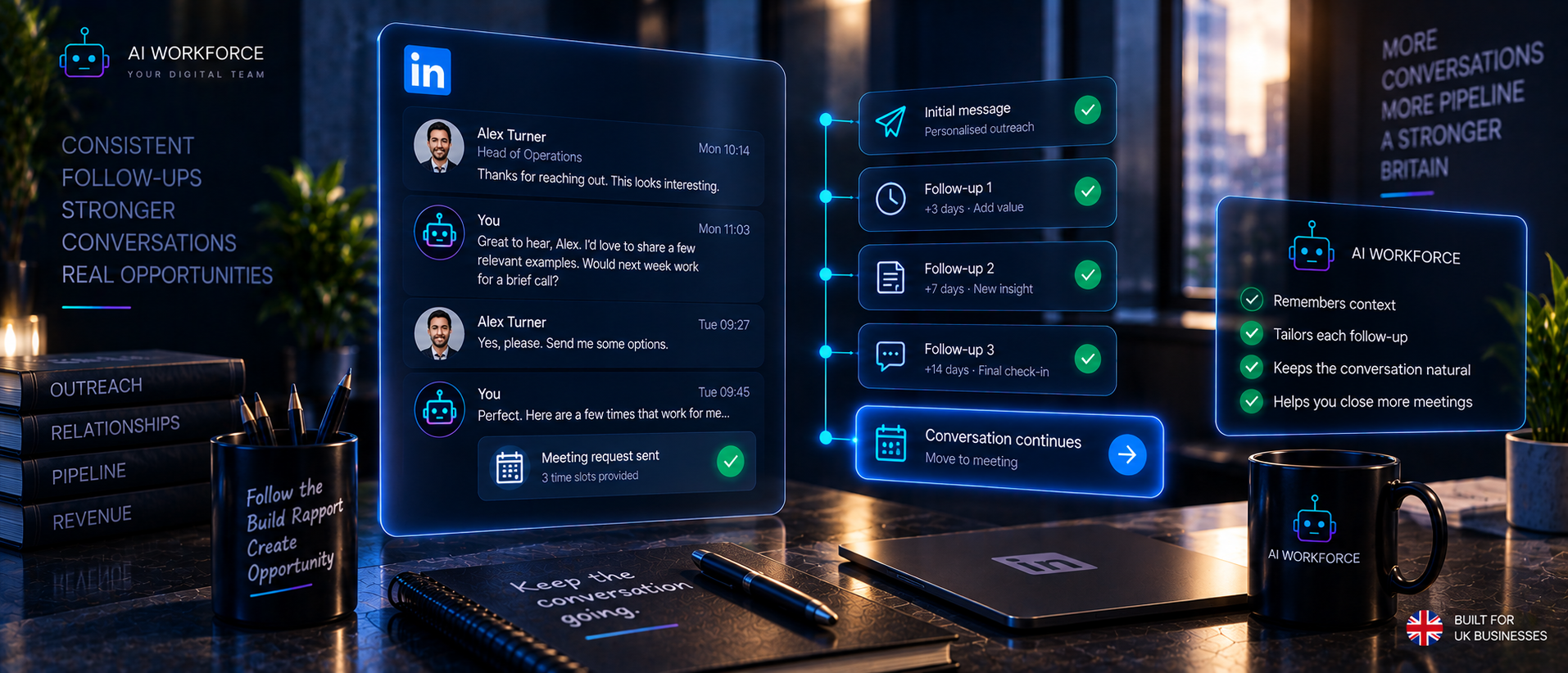
A governed follow-up workflow separates classification, drafting and sending into distinct steps, with a clear point where a person is required before anything happens on LinkedIn:
Reply state → classify → draft → human approval where required → send or permitted action → stop or suppress
The stop conditions matter as much as the workflow itself. A properly governed sequence should halt or suppress further contact when: the prospect replies, and the conversation needs a person's judgement; the prospect objects or pushes back; the prospect asks not to be contacted again; the conversation turns sensitive or personal; the LinkedIn account experiences any restriction or warning; the system's confidence in how to respond is low; or required context about the prospect or conversation is missing. AI Workforce's wider guide to AI follow-up automation covers this classify-draft-approve-send logic in more depth for email specifically; the same governance principle, a person or a defined rule deciding whether contact continues, applies to LinkedIn follow-up, with the added condition that the actual LinkedIn action itself needs to sit at Level 1 to 3 on the risk ladder above.
LinkedIn Sales Navigator Automation
Sales Navigator is LinkedIn's own paid sales research and targeting product: advanced search, lead and account recommendations, saved lists, and alerts on account activity. Buying Sales Navigator gives a business access to that product's own features. It does not, on its own, grant permission to run third-party software that automates actions on the account, and nothing in Sales Navigator's own functionality changes the User Agreement prohibitions described above.
Four things need distinguishing here. Official product functionality is whatever Sales Navigator itself does natively: its search, filters, lists and alerts. Approved integrations are third-party tools operating through LinkedIn's Developer Program and API Terms of Use, within whatever scope LinkedIn has actually granted that integration. CRM synchronisation, where supported, moves data between Sales Navigator and a business's CRM through an authorised connection. AI-assisted research uses AI to help a person interpret or prioritise what Sales Navigator surfaces, without the AI acting on the account itself. Third-party browser or account automation software that logs into the account and performs actions LinkedIn has not authorised that tool to perform sits outside all of the above and carries the same Level 4 risk regardless of whether the underlying account has a Sales Navigator subscription.
LinkedIn Scraping and Data Extraction
LinkedIn's position on scraping is set out directly in the User Agreement clause quoted above: members may not "develop, support or use software, devices, scripts, robots or any other means or processes... to scrape or copy the Services, including profiles and other data from the Services," and may not "copy, use, display or distribute any information (including content) obtained from the Services... without the consent of the content owner." LinkedIn's separate Crawling Terms and Conditions address automated crawling and data collection specifically. This guide will not provide scraping instructions or ways to work around these terms.
Four distinct things get conflated under "scraping" and are worth separating. Information visible to a person browsing LinkedIn normally is exactly that: visible on the page they are looking at, and viewing it is not the same as extracting it at scale. Authorised API access is data obtained through LinkedIn's Developer Program under its API Terms of Use, within the specific scope granted. Exporting data where LinkedIn itself provides that capability, such as a member exporting their own connections through LinkedIn's own export feature, is a function LinkedIn built and controls. Automated scraping or extraction, software systematically pulling data from LinkedIn's pages outside any of the above, is the activity the User Agreement and Crawling Terms prohibit.
A separate point, easy to miss: the fact that a LinkedIn profile is publicly visible does not remove a UK business's UK GDPR obligations when it uses that person's data for prospecting. Public availability affects how easily information can be found; it does not by itself supply a lawful basis for processing it, a point covered in the section below.
UK GDPR and PECR
LinkedIn's platform rules and UK data protection and marketing law are two separate layers, and complying with one does not automatically mean complying with the other. A workflow that never touches LinkedIn's prohibited-automation rules at all can still fall foul of UK GDPR or PECR once it involves collecting a prospect's personal data and using it to make contact, whether on LinkedIn or through a follow-up email or call.
At a practical level: a LinkedIn member's name, job title, employer and any other identifying detail is personal data under UK GDPR the moment a business records or uses it. A UK business needs a lawful basis to process that data, and legitimate interests is the basis most commonly relied on for B2B prospecting, though it requires a genuine balancing assessment against the individual's own interests and reasonable expectations, not an assumption that legitimate interests always applies. The business must be transparent about how it obtained and intends to use the data, and the individual retains a right to object to that processing, including to direct marketing specifically, at which point the business must stop and suppress further contact to that person. Where prospecting moves off LinkedIn onto direct marketing channels such as email or SMS, PECR adds a separate layer of rules governing electronic marketing, and the distinction the ICO draws between corporate and individual subscribers becomes relevant, since a sole trader or an unincorporated partnership is treated closer to an individual than a limited company is. AI Workforce's dedicated guide to AI and GDPR compliance for UK businesses covers this obligation in full; this section is a summary, not a replacement for it.
What Can You Automate More Safely?
"Safely" is not an absolute legal or platform guarantee, so the table below uses "lower platform-account risk" and "human-assisted" rather than treating anything as risk-free.
Activity | AI-assisted | Human approval | Direct LinkedIn action by software | Key risk or control |
|---|---|---|---|---|
Prospect research | Yes | Not required | Not needed | No account action taken; lower platform-account risk |
Account prioritisation | Yes | Recommended | Not needed | Scoring logic should be reviewable, not a black box |
Message drafting | Yes | Recommended | Not needed | Draft only; nothing is sent until a person acts |
Personalisation | Yes | Recommended | Not needed | Verify facts used are accurate, not fabricated |
Connection-request preparation | Yes | Required | Avoid | Person sends the request themselves through LinkedIn |
Reply classification | Yes | Recommended for edge cases | Not needed | Route ambiguous or sensitive replies to a person |
Follow-up drafting | Yes | Required | Avoid | Stop conditions must be enforced before any send |
CRM updates | Yes | Spot-check | Via authorised integration only | Use an approved sync, not unauthorised account access |
Meeting booking after engagement | Yes | Recommended | Not needed | Booking itself typically happens off-platform |
Suppression and stop conditions | Yes, to detect | Enforced automatically once triggered | N/A | Should never require a person to remember to apply it |
A Lower-Risk LinkedIn Outreach Workflow
This is an AI Workforce implementation framework, not an official LinkedIn process.
Target → Verify → Research → Draft → Human Review → LinkedIn Action → Reply Classification → Follow-Up → Handoff or Suppress
Target defines the accounts and people genuinely relevant to what is being offered, not a broad, untargeted list. Verify checks that the identified person and role are current and accurate before any outreach is prepared. Research gathers the context, company activity, role, and shared connections that make a message worth reading. Draft is where AI prepares the message from that research. Human Review is the point where a person reads the draft and decides whether to send it, edit it, or discard it. LinkedIn Action is the person sending the connection request or message themselves through LinkedIn's own interface, or, where genuinely applicable, an approved integration acting within its granted permissions. Reply Classification sorts what comes back: interested, objecting, not now, needs a person. Follow-Up applies the governed sequence described above, respecting every stop condition. Handoff or Suppress either passes an engaged prospect to a salesperson for the next step, or permanently stops contact where the prospect has objected or asked not to be contacted.
What Should Never Be Automated Without Appropriate Controls?
Any attempt to bypass LinkedIn's platform limits or controls
Any activity designed to evade LinkedIn's restrictions or detection
Continued automated contact after a prospect has opted out or objected
Scraping or data extraction contrary to LinkedIn's terms
Impersonation, or presenting an AI-generated message as personally written when a business has represented otherwise
Fabricated personalisation, inventing details about a prospect that are not actually true
Autonomous handling of sensitive or high-stakes conversations without a person able to intervene
Committing to commercial concessions, pricing or terms without human authorisation
Taking any account action when required context about the prospect or conversation is missing
What Happens If LinkedIn Restricts Your Account?
LinkedIn's own guidance on automated activity sets out what it asks a member to do if their account is restricted for this reason: review and disable the software or extension responsible, after which the account is automatically re-enabled at the time given in the suspension notification; where available, submit LinkedIn's contact form to provide more detail or ask LinkedIn to consider partnering with a specific application, a feature LinkedIn notes is only gradually being rolled out to some members; and change the account password regularly as a general security measure. This guide will not describe ways to work around a restriction or create replacement accounts, both because LinkedIn's terms prohibit that and because it does not address the actual cause of the restriction.
The more useful response for a business is to identify which specific activity triggered the restriction, stop that activity, and reassess the workflow against the risk ladder above before resuming any LinkedIn-related outreach.
How to Evaluate a LinkedIn Automation Tool
Does it use an official LinkedIn API or integration, or does it act on the account through unauthorised means?
What specific LinkedIn actions does it actually perform, not just what it claims to do?
Does it require browser control or a browser extension to function?
What data does it extract from LinkedIn, and how?
What account permissions does it request, and are they proportionate to what it does?
Can every message or account action be routed through human approval before it happens?
Are stop conditions, such as an objection or opt-out, supported and enforced automatically?
Does it maintain accurate CRM state, or create duplicate or conflicting records?
Can a workflow be paused immediately if something goes wrong?
What happens to the workflow if LinkedIn changes its interface or policies?
How is personal data retained, and for how long?
Does the vendor clearly explain the platform-policy risk of what it does, or does it avoid the topic?
How to Pilot LinkedIn Automation
Stage 1, Map. Document the current LinkedIn workflow as it actually happens today: who does what, what permissions and tools are already in use, what data is involved, and what stop conditions should apply.
Stage 2, AI Assistance. Introduce AI for research and drafting only. A person continues to perform every LinkedIn action themselves. This allows the business to evaluate research quality, drafting quality and human correction burden before introducing any automated LinkedIn account action.
Stage 3, Controlled Workflow. Introduce approved integrations, or narrowly bounded automation, only where LinkedIn's own rules and interfaces actually permit it, and monitor closely for errors, warnings or any sign of account restriction.
Stage 4, Expand or Hold. Expand the workflow only where platform compliance has held up, message quality and reply handling are working well, and the operational evidence from Stage 3 supports it. Where any of those is uncertain, hold at the current stage rather than pushing forward.
How to Measure It
Connection requests sent is an activity count, not a measure of value, and optimising for it alone is a mistake. Track instead: acceptance rate, reply rate, positive or qualified reply rate, meetings actually generated, the rate at which a person needs to correct AI-drafted content, the rate of inappropriate or off-target messages, opt-outs and objections received, any account warnings or restrictions encountered, duplicate contact or duplicate action rate, CRM data accuracy, and cost per accepted opportunity. A high activity count alongside low acceptance, qualified replies and accepted opportunities indicates that volume is not translating into the intended commercial outcome.
Sources and Methodology
All LinkedIn policy pages above were checked directly in September 2026 and quoted or summarised from their current published wording. Vendor and third-party sources were deliberately not used to establish LinkedIn's own platform rules; those claims are based on LinkedIn's current published documentation.
The AI Workforce LinkedIn Automation Risk Ladder, Lower-Risk LinkedIn Outreach Workflow, evaluation checklist, pilot methodology and measurement framework are AI Workforce implementation frameworks and illustrations rather than official LinkedIn classifications, industry standards or independently verified benchmarks.
Frequently Asked Questions
Is LinkedIn automation allowed?
It depends on what is being automated. AI helping a person research or draft is not the activity LinkedIn's rules address. Third-party software directly performing actions on a LinkedIn account, such as sending connection requests or messages or scraping data, without LinkedIn's authorisation, is prohibited under LinkedIn's User Agreement and Prohibited Software and Extensions policy.
Can LinkedIn detect automation?
LinkedIn states it continually works to improve its technical defences against scraping and automation tools, without publishing the specifics. The reliable approach is not running prohibited activity in the first place, not attempting to make it look more human.
Can LinkedIn ban or restrict your account for automation?
Yes. LinkedIn's own guidance states that accounts using prohibited software "risk having their accounts restricted or shut down," and that prohibited tools may stop working without notice.
How many LinkedIn connection requests can I send?
LinkedIn does not publish a universal daily or weekly limit. Any specific number quoted online is a third-party estimate, not an official LinkedIn figure, and should be treated accordingly.
Is LinkedIn message automation allowed?
A person drafting with AI help and sending the message themselves is not the activity LinkedIn's rules prohibit. Software sending the message directly, without a person initiating that specific send, falls under LinkedIn's prohibition on unauthorised automated methods to send messages.
Can you automate LinkedIn Sales Navigator?
Buying Sales Navigator gives access to that product's own features; it does not grant permission to run unauthorised third-party automation on the account. Approved integrations operating under LinkedIn's API Terms of Use are a separate, narrower category.
Does LinkedIn allow third-party scraping of its platform?
LinkedIn's User Agreement prohibits members from using software, scripts, robots or other processes to scrape or copy the Services outside authorised access. LinkedIn-provided export functions and authorised API access are separate categories governed by their own permissions and terms.
Can AI write LinkedIn outreach messages?
Yes. Drafting content with AI is not, on its own, the activity LinkedIn's automation rules address. The platform risk arises at the point a message is sent, depending on whether a person or unauthorised software performs that send.
What is the safest way to use AI for LinkedIn outreach?
A lower platform-account-risk approach is to use AI for research, prioritisation and drafting while a person reviews and performs the LinkedIn action themselves. This does not guarantee that every account action is risk-free; the person's activity still needs to comply with LinkedIn's current policies.
Does LinkedIn automation comply with UK GDPR?
Complying with LinkedIn's platform rules and complying with UK GDPR and PECR are separate questions. A workflow can follow LinkedIn's terms exactly and still need a proper lawful basis, transparency and suppression handling under UK GDPR once it processes a prospect's personal data.
Should I use a browser extension for LinkedIn automation?
LinkedIn's Prohibited Software and Extensions policy specifically names browser extensions that automate activity on its platform as prohibited. A business considering a browser extension for LinkedIn activity should check directly whether it is acting on the account without LinkedIn's authorisation before adopting it.
Key Takeaways
"LinkedIn automation" spans AI assistance, human-approved workflows, approved integrations, and unauthorised direct account automation, and these carry very different levels of platform risk
LinkedIn's User Agreement and Help Centre prohibit third-party software that scrapes, modifies the appearance of, or automates activity on its platform without authorisation; accounts doing this risk restriction
LinkedIn does not publish a fixed connection-request or message limit; treat any number quoted online as a third-party estimate, not an official rule
The lowest-risk approach keeps AI in a research and drafting role, with a person performing the actual LinkedIn action
Sales Navigator access does not itself authorise third-party automation on the account
LinkedIn's platform rules and UK GDPR/PECR are separate layers; complying with one does not guarantee compliance with the other
If an account is restricted for automated activity, LinkedIn's documented response is to disable the responsible software, not to work around the restriction
Evaluate any LinkedIn automation tool against what it actually does to the account, not what it claims to do
About the Author
Clara Miller is a Content Specialist at AI Workforce. She writes about how UK businesses can evaluate AI, automation and workflow tools with a focus on genuine platform and compliance risk rather than headline claims.
About the Reviewer
This guide was reviewed by Rodi Taze, Co-Founder of AI Workforce, for accuracy against LinkedIn's current published policies and alignment with how AI Workforce scopes LinkedIn-assisted sales workflows.